

Online shop
See more articles
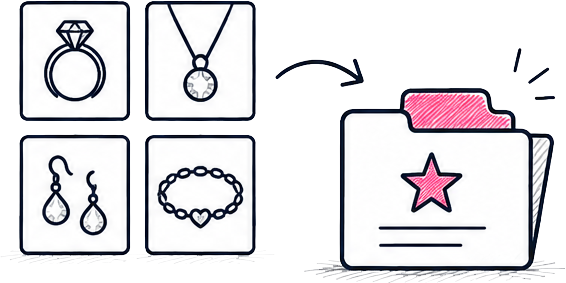
Collections help customers browse products by theme, such as Wedding & Engagement, Made in Wales or Staff Favourites, depending on the collections available on your website.
Last updated 27 July 2026 by admin
Reading time
Difficulty
Moderate
Wordpress version
6.8+

Specific plugin
Woocommerce
On this page

Go to Collections
From the dashboard, select:
Products → Collections
Create a new collection
Click Add New.
Enter the collection name and description, then upload a hero image if required.
Click Add New Collection.
Edit an existing collection
Select the collection you would like to update.
Make any changes to the content or imagery and click Update.
Add products to a collection
Open a product from:
Products → All Products
Tick the appropriate Collection and click Update.
The Collection page updates automatically.