

Online shop
See more articles
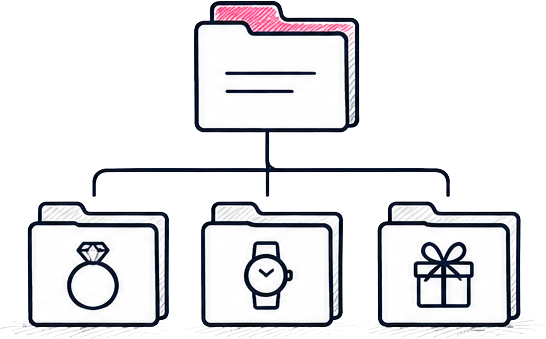
Categories organise your products into their main sections, such as Jewellery, Watches and Gifts.
Last updated 27 July 2026 by admin
Reading time
Difficulty
Moderate
Wordpress version
6.8+

Specific plugin
Woocommerce
On this page

Go to Categories
Select:
Products → Categories
Create a new category
Click Add New Category.
Enter the category name and select a parent category if required.
Update the category content
Add or edit the description and any additional content, such as a hero image. The fields available may differ depending on your installation.
Assign products
Open the relevant product from:
Products → All Products
Tick the correct Product Category and click Update.
The category page will update automatically.